Conversations
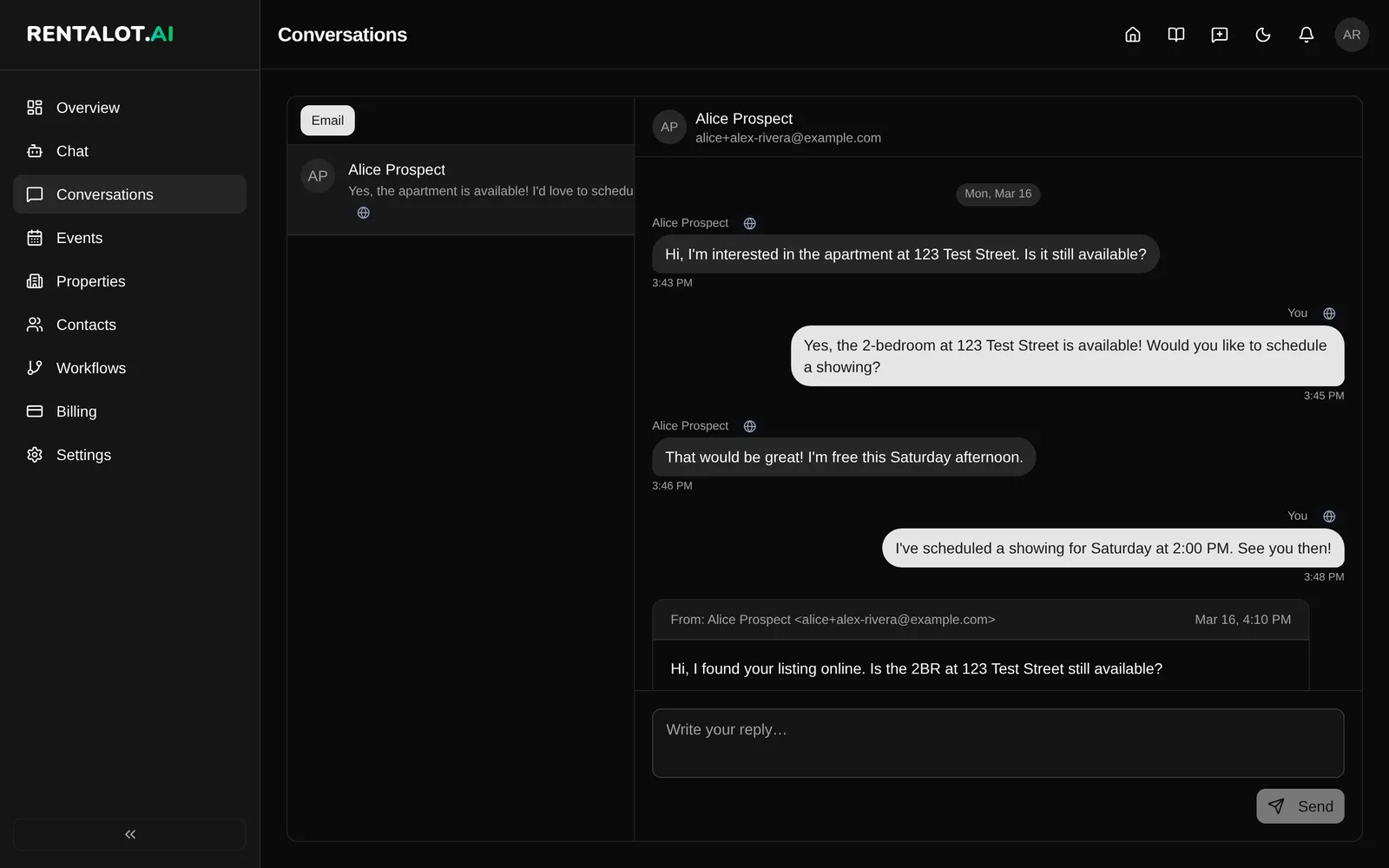
Conversations is your inbox for prospect email. Once your email account is connected, you can read prospect threads and reply without leaving the dashboard.
Coming soon: WhatsApp, Telegram, and SMS conversations. Today, Conversations shows email threads only.
Before you start
Conversations needs a connected email account, which requires the Starter plan or higher. If you haven’t connected one, the inbox shows No email connected with a Set up email button that opens Settings > Integrations. See Email for setup.
Read and reply to a prospect
- Open Conversations from the dashboard sidebar. The Email filter is selected.
- Pick a thread from the list. Threads show the contact name, a preview of the last message, and when it arrived.
- Read the full history, including inbound messages and replies sent from Rentalot.
- Type your reply in Write your reply… and click Send. Rentalot sends it from your connected address and keeps the subject line threaded.
If email is connected but nobody has written yet, you’ll see No emails yet.
Email threads
Email threads show:
- The subject and message body, rendered safely inside the dashboard
- The contact’s name and email address in the thread header
- Open in Gmail or Open in Outlook, which opens the original thread in your mail app
Go to the contact
Click the contact’s name in the thread header to open their contact page in your dashboard. From there you can review their pre-screening submission, send a booking link, and add private notes. See Contacts.
API access
Read conversation data programmatically with the Conversations API.
Related
- Email: connect Gmail, Microsoft 365, or SMTP.
- Contacts: everything Rentalot knows about each prospect.
- Follow-ups & Nudges: email a prospect directly from their contact page.