Properties
Properties are the core of Rentalot. The more detail you add, the better your AI agent can answer prospect questions.
Adding a Property
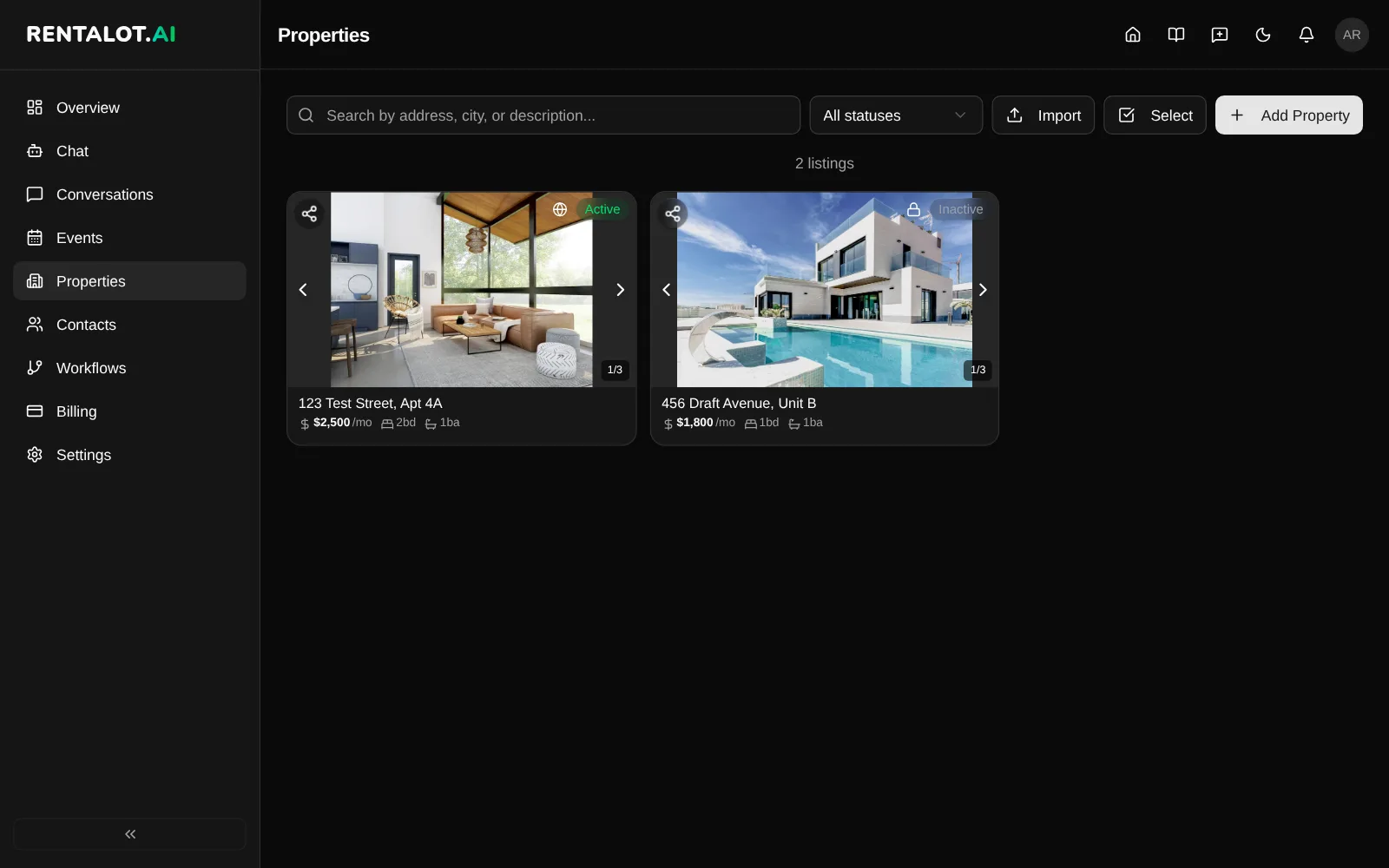
From the dashboard, go to Properties > Add Property. Enter a Property Title to save immediately as a private draft, then add listing details when you have them.
Draft Requirement
- Property Title — a recognizable internal or public listing name
New dashboard properties start private. To make a property public, add a title, full address, positive monthly rent, and a positive bathroom count. The form lists every missing requirement if publishing is blocked.
Recommended Fields
These help your agent answer common prospect questions:
- Description — a paragraph describing the unit and its appeal
- Bedrooms — choose Studio for a rental with no separate bedroom. Imports and API requests represent Studio as
bedrooms: 0. - Availability — when the unit is available
- Amenities — in-unit laundry, dishwasher, AC, balcony, etc.
- Pet policy — allowed breeds/sizes, pet deposit, monthly pet rent
- Parking — included, garage, street, additional cost
- Lease terms — minimum lease length, renewal options
- Utilities included — what’s covered vs. tenant-paid
- Move-in costs — security deposit, first/last month, application fee
Property types
Choose House, Apartment, Condo, Townhouse, or Room. A complete new dashboard listing requires a selection. You can still save an incomplete private draft or edit an existing listing whose type is unknown without guessing. Studio describes the bedroom layout, not the property type.
Bulk Import
Import properties from a spreadsheet file instead of adding them one-by-one.
Go to Properties > Import, then drag and drop your file or click to browse.
Supported Formats
| Format | Extensions |
|---|---|
| CSV | .csv |
| TSV | .tsv |
| Excel | .xlsx, .xls |
| JSON | .json (array of objects) |
Limits: 500 rows max, 10 MB max file size.
How It Works
- Upload — drop your file; it’s parsed instantly in the browser (nothing uploaded yet)
- Auto-detect — if your file came from a known property management tool, Rentalot recognizes the format and pre-maps all columns automatically
- Map columns — review the mapping. Adjust or skip columns as needed.
- Validate — click Validate to check for errors. Fix or skip invalid rows.
- Import — confirmed rows are created as properties.
Auto-Detected Formats
Rentalot automatically recognizes exports from these tools:
| Tool | Detected By |
|---|---|
| AppFolio | Unit Directory report (merges split address columns) |
| Buildium | Unit list export (merges multi-line addresses) |
| Zillow | Property listing export |
| Rent Manager | Unit report |
| Propertyware | Property export (includes year built, pet policy, deposit) |
When a format is detected, you’ll see a “Detected: AppFolio Unit Directory” (or similar) badge. All columns are pre-mapped — just review and import.
Column Name Matching
For files that aren’t from a recognized tool, Rentalot falls back to generic column name matching. It recognizes common variations:
| Property Field | Recognized Column Names |
|---|---|
| Address | address, street, street_address, location |
| Monthly Rent | rent, monthly_rent, price, rent_amount |
| Bedrooms | bedrooms, beds, br |
| Bathrooms | bathrooms, baths, ba |
| Square Footage | sqft, square_footage, sq_ft, area |
| Pet Policy | pets, pet_policy, pet_friendly |
| Deposit | deposit, security_deposit |
Values are coerced automatically: "$1,500" → 1500, "3 BR" → 3, "Yes" → allowed, "03/15/2026" → 2026-03-15.
Tips
- Export from AppFolio, Buildium, or any property management tool as CSV.
- Include at least Address, Rent, Bedrooms, and Bathrooms — these are required.
- The more fields you include, the better your agent can answer prospect questions.
For step-by-step export instructions for each platform, see the Property Import Guide. For programmatic imports, see the Properties API.
Public Rental Browsing
The public rental directory shows eligible public listings with at least one usable public photo. A property without photos can still have its existing public detail/profile page, but it will not appear in the global rental directory. Add photos to make an otherwise eligible listing discoverable there.
Renters can sort by Recommended, Price (low to high), Price (high to low), Beds, Baths, Square feet, Newest, or Oldest. Recommended currently shows newer listings first. Beds, baths, and square feet show larger values first, with unknown square footage last.
Beds/Baths offers Studio to match exactly zero bedrooms, separately from the minimum-bedroom choices. Type opens large labeled icon choices. Select multiple types to match any of them, combined with your other filters. Apply saves the choices in the URL, while cancel leaves the current search unchanged.
More filters groups move-in date, pets, selectable amenity icons, and minimum/maximum home size. Selections use the same amenity and feature values as Add/Edit Property. Pet filters distinguish allowed or negotiable from no pets, not animal species or size. Internet Included and Yard keep their actual meanings rather than promising high-speed service or every kind of outdoor space. Filters stay in the URL so renters can reload, go back, and share their search.
City suggestions
The search field accepts a city, a street address, or a keyword. Choose a suggestion to add a removable location chip. Press Enter or the Search button to apply what you typed: text that exactly names a suggested place (for example “Austin, TX”) becomes a location, and anything else, such as “4648 Tilden Avenue Unit 7” or “pool”, becomes a removable keyword chip. Every word of a keyword must match the listing’s title, address, unit, city, state, ZIP, description, amenities or features; words like “Unit” and “Apt” are ignored. The rental-page title and location search live in the Rentalot header. On mobile, search moves to its own header row. Add a location or keyword in the search dropdown lets you add more, up to 10 locations. Results can match any selected city/state pair while still meeting the keyword and all other filters. Removing one chip leaves the others and your filters intact. Selections survive reload, back, sorting, filters and pagination.
Suggestions cover the US, DC and Puerto Rico. For other locations, use Enter a city or state manually to add a paired region.
Use my location is optional and asks for permission only when you click it. Location is processed on your device to apply the closest supported city or place. This is approximate, not your exact city or administrative boundary. The action is hidden once any region is selected. If location is denied, unavailable or too imprecise, keep typing or use manual location entry. Precise coordinates are never stored or added to the URL.
Public Listing Inquiries
When a property is Public and Active, prospects can submit inquiries directly from its eligible listing page. Each inquiry creates a contact and conversation in your dashboard, and you’ll receive an email notification with the prospect’s name, message, and contact info so you can respond promptly.
Public controls visibility, not availability. A public Rented property keeps its direct link for reference with a clear unavailable notice and no inquiry form. It is excluded from available-rental search results and recommendations. The dashboard property page shows Rented beside the Public/Private control so you can see both states together. Private properties remain hidden, and existing publication-expiry and trial rules still apply.
Listing details
Public listings put photos first, followed by the title, rent, and key facts. The header keeps location search, Listings, and sign-in navigation available. Use Back to listings to return to the rental directory.
On wider screens, the contact form sits beside the property details. On phones, the same form moves into the page flow. Rental facts, policies, amenities, included utilities, and descriptions show information supplied for that property. A listing represents one rental, not a building with multiple floor plans. Missing details are not replaced with estimated fees or neighborhood scores.
Failed inquiry submissions keep your entered details available for correction or retry. Suggested inquiry messages, a preferred move-in date field, a location map, and similar rentals on the listing page are coming soon.
Bulk Operations
Toggle multi-select mode from the Properties page to select multiple properties at once. From there you can bulk delete with a single confirmation.
Editing and Removing
Edit any property from the dashboard or its detail page (which also has a Delete button). Changes take effect immediately — your agent will use updated information for all future conversations.
Removing a property stops the agent from answering questions about it. Existing conversations referencing that property are preserved in your inbox.